Organize Your
Entire Digital Life With Notion
Build dashboards, notes, SOPs, content systems, knowledge bases, project trackers, and business operations in one flexible workspace.
Trusted By High-Performers
The Future of
Organization is Blocks
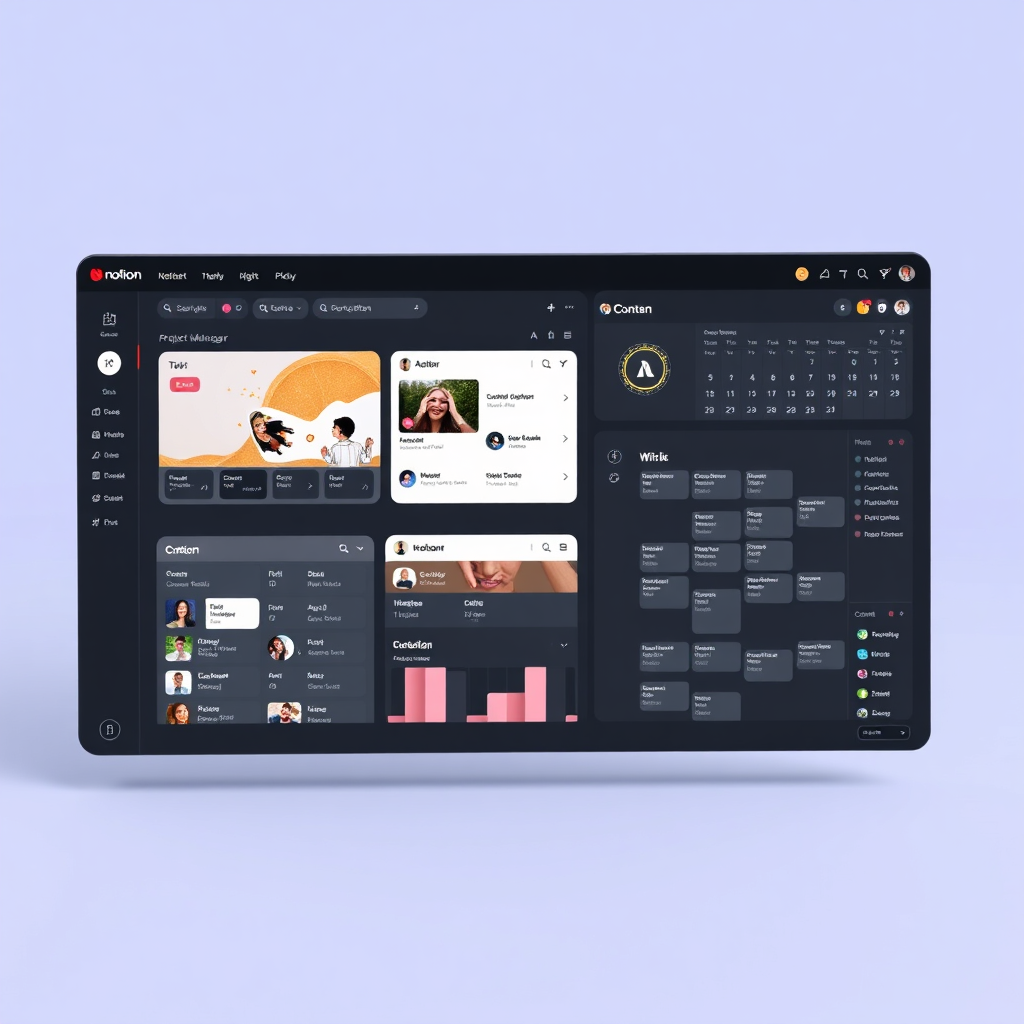
Notion is more than a note-taking app. It is a LEGO-style construction kit for your business and personal data. It combines the power of documents, databases, and project management tools into a single, intuitive interface.
-
All-in-one workspace
-
Combines docs + databases + tasks + wiki
-
Flexible block-based editor
-
Customizable systems
Notes & Docs
Rich text and media.
Databases
Power in rows & columns.
Projects
Track tasks and stages.
AI Writing
Built-in intelligence.
Who Is This For?
Notion scales from a simple journal to an enterprise OS.
Content Creators
"I'm drowning in half-finished scripts."
Build content calendars and research banks that handle 100+ posts effortlessly.
Freelancers
"Client communication is messy."
Create beautiful Client Portals and automated CRM trackers for leads.
Startup Teams
"Where is the latest company SOP?"
Centralize company knowledge, meeting notes, and roadmap in a single source.
Knowledge Workers
"I forget everything I read."
Implement a "Second Brain" to capture insights and resurface them when needed.
Primary Use Cases

Second Brain
EasyA central hub for all your notes, resources, and ideas. Never lose a thought again.
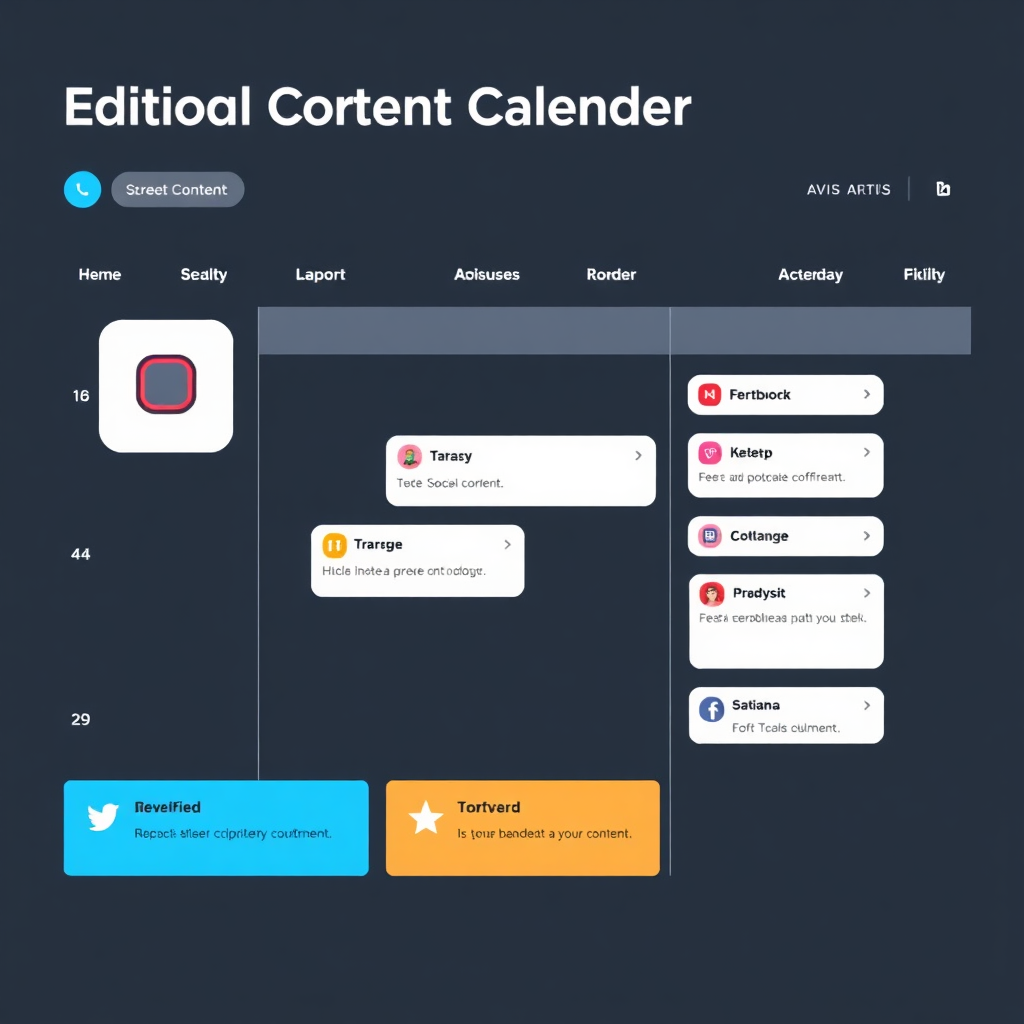
Content Calendar
MediumManage multi-platform publishing schedules with visual pipelines and status tracking.
SOP Library
AdvancedDocument your business processes so your team can operate without you.
Best Workflows
How to actually use Notion to drive results.
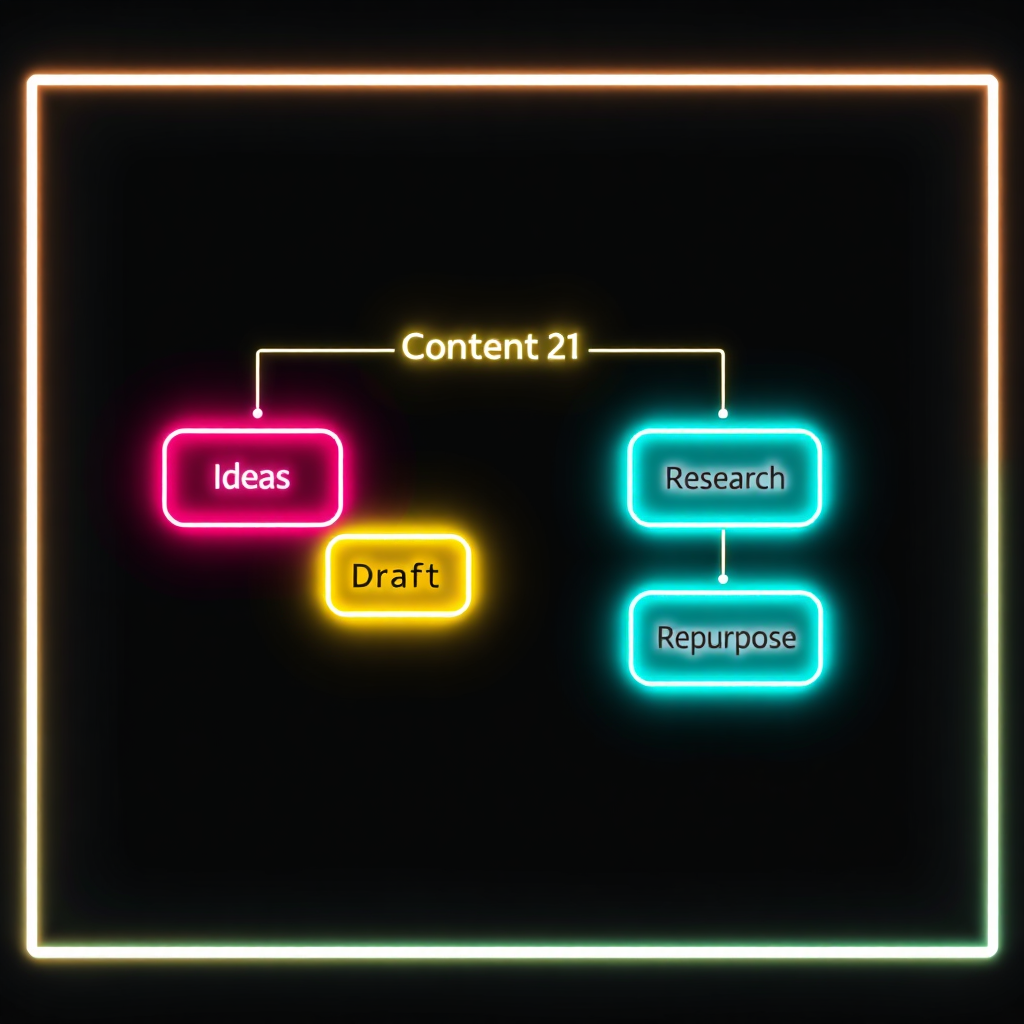
The Content OS Workflow
Turn your content creation into a factory. This workflow takes an idea from your brain and puts it onto every social platform without friction.
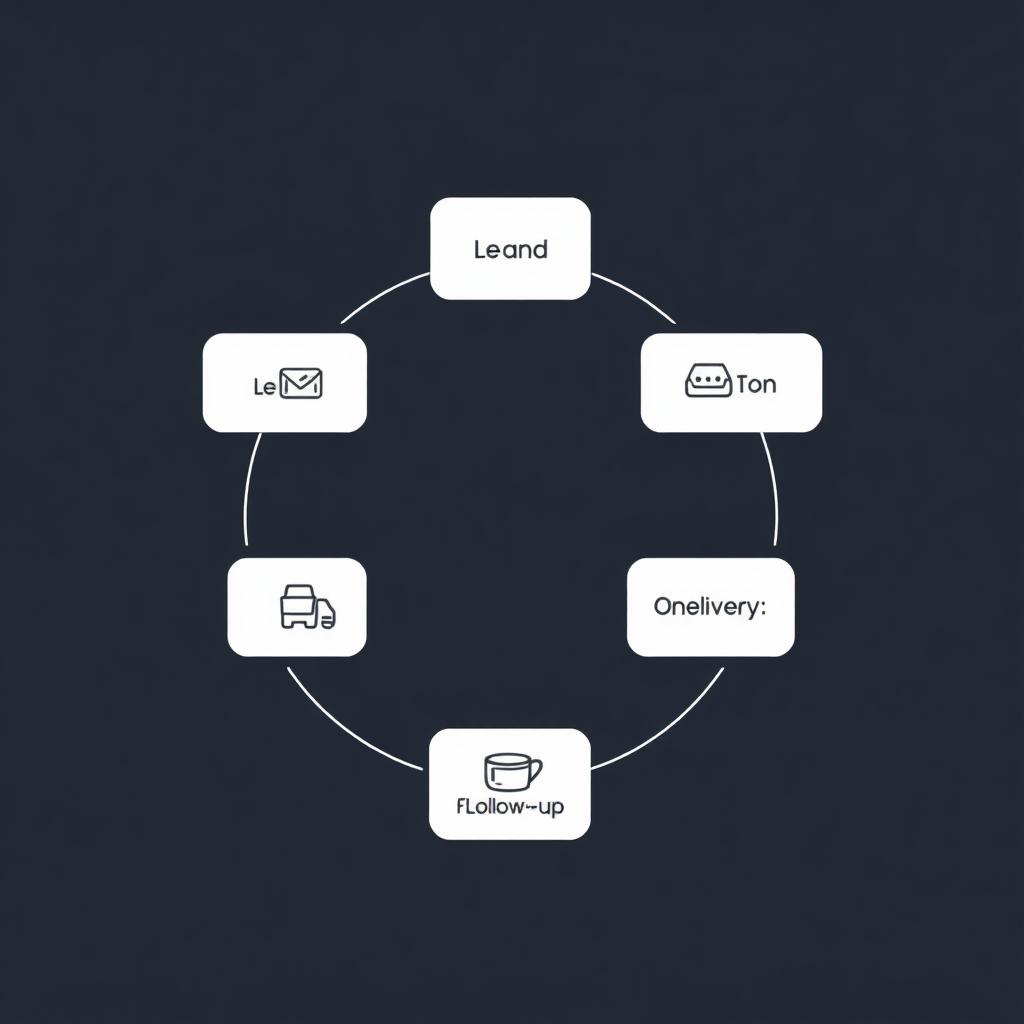
Client Success Lifecycle
Manage every lead through a structured pipeline. Automated onboarding ensures you never miss a step when a new project starts.
Systems To Build In Notion
Move beyond basic lists. Build full operating systems for your life and work.
Content OS
Manages: Full production pipeline.
Recommended for active creators & agencies.
Business OS
Manages: Projects, Finance, Ops.
Recommended for established small businesses.
Knowledge Vault
Manages: Research, Books, Learning.
Recommended for every knowledge worker.
AI Prompt DB
Manages: Prompts & AI outputs.
Recommended for AI-first entrepreneurs.
Supercharge With
Notion AI
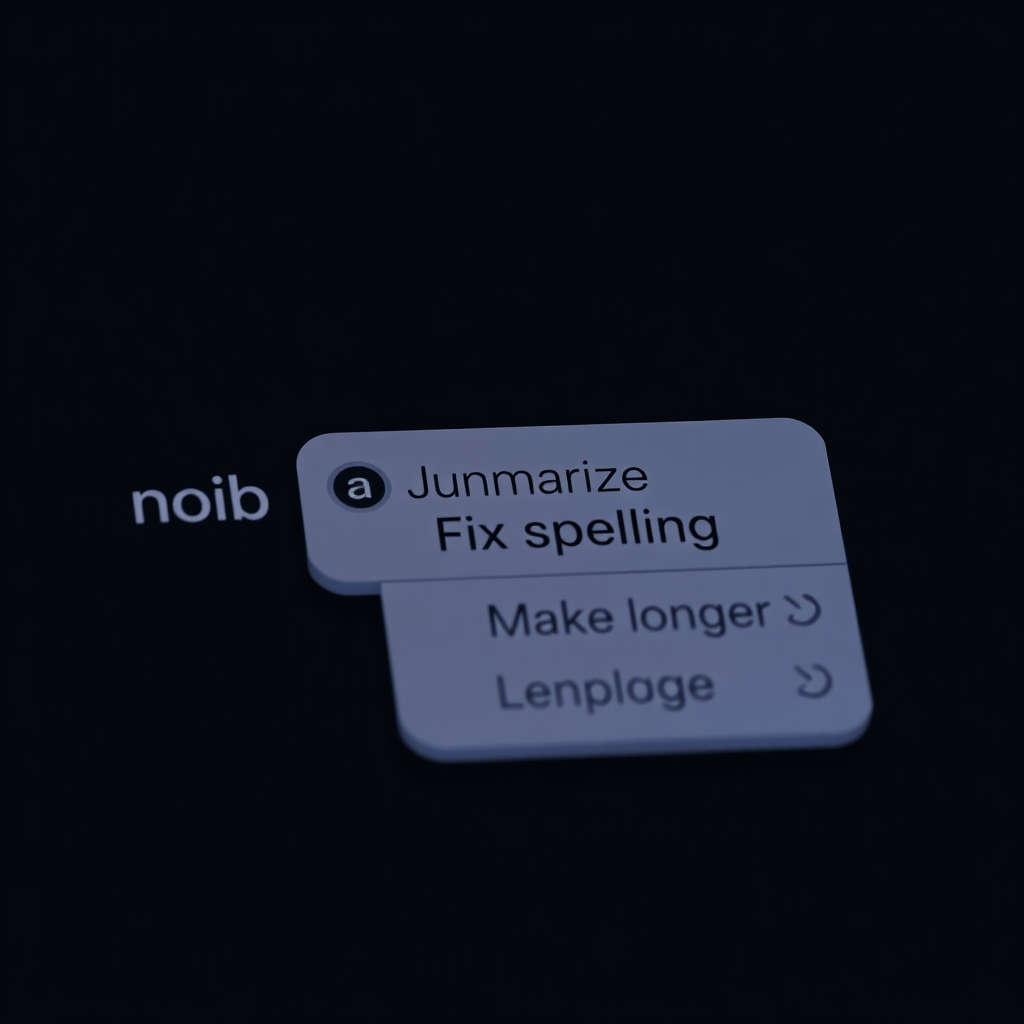
Writing assistance and editing.
One-click summaries of long docs.
Brainstorming & ideation partner.
Database autofill for fast data entry.
Your Setup Guidance
Create Your Workspace
Sign up and choose 'For personal use' or 'For my team'. Start with a clean slate to avoid template overwhelm.
Set Up Sidebar Structure
Create top-level pages for 'Admin', 'Projects', and 'Resources'. Keep your sidebar lean.
Create Core Databases
Build your Tasks and Projects databases. Use 'Relation' properties to connect them for automated progress tracking.
Build Unified Dashboards
Use 'Linked Views' to show your daily tasks on your homepage. This is your cockpit for the day.
Connect External Workflows
Use Notion's API or tools like Make/Zapier to sync your emails or form submissions into your workspace.
Add Templates & Automation
Import proven templates to solve specific problems. Set up 'Database Automations' for status changes.
The Pros
-
Extremely Flexible: Build exactly what you need without code.
-
Beautiful UI: One of the cleanest designs in productivity.
-
Powerful Databases: Formulas and relations are game-changers.
-
Collaboration: Real-time editing works flawlessly for teams.
The Limitations
-
Potential for Mess: Can become cluttered without structure.
-
Learning Curve: Databases and relations take time to master.
-
Offline Mode: Still limited compared to native local apps.
-
Speed: Large workspaces can slow down on older devices.
Notion vs Alternatives
| Tool | Best For | Strength | Weakness |
|---|---|---|---|
| Notion | All-in-one flexible workspace | Flexibility & UI | Structure required |
| Airtable | Heavy data management | Database logic | Limited doc features |
| Obsidian | Private PKM / Research | Local & Offline | High learning curve |
| ClickUp | Complex PM / Agile | Native features | Extreme bloat |
| Google Docs | Simple writing | Ubiquity | No databases |
Verdict: Notion is the best all-in-one flexible workspace for most creators.
Ecosystem Integration
AI Systems
Connect GPT-4 to your database for automated drafting.
Automation Workflows
Sync with Make or Zapier to automate data movement.
Business Operating Systems
Build your headquarters inside a single Notion hub.
“Notion works exceptionally well with automation and AI workflows.”
Start With Proven Templates
Don't reinvent the wheel. Use our verified structures.
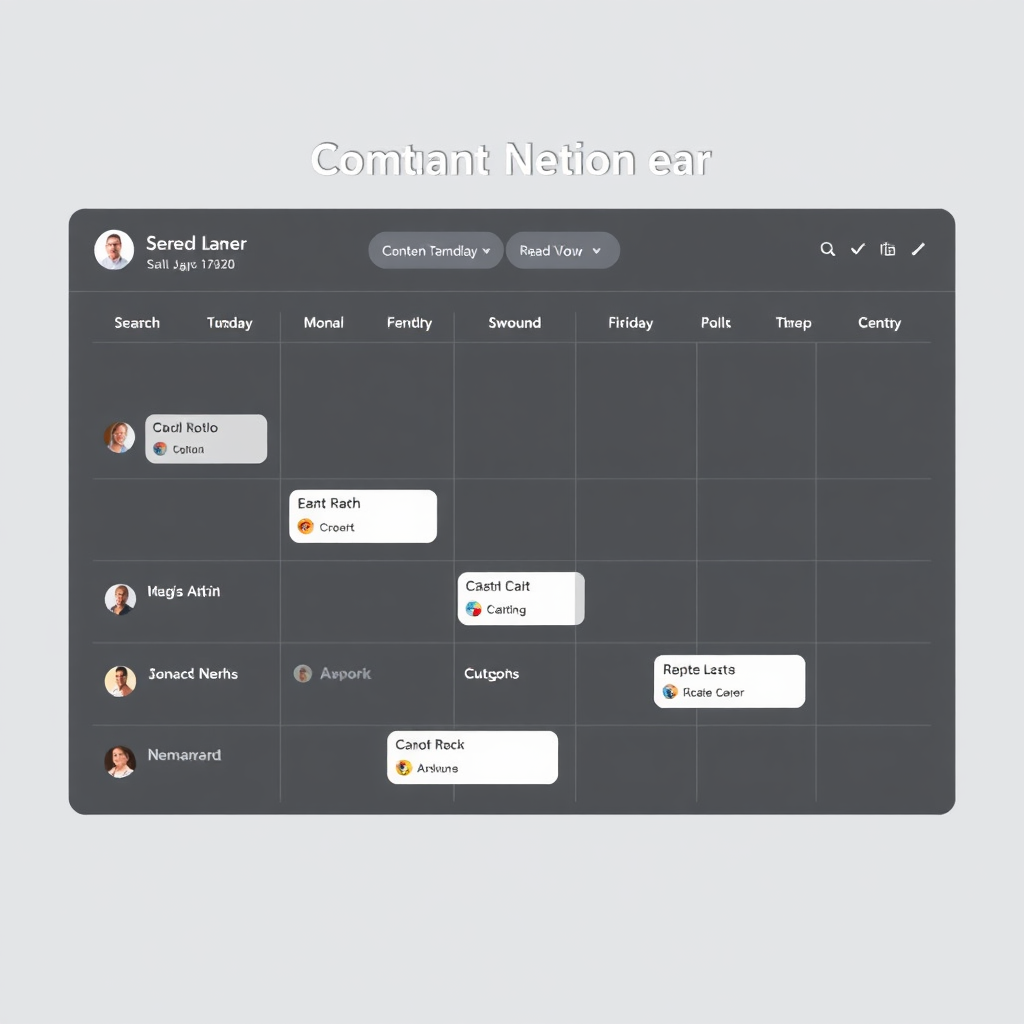
Content Calendar
Plan and schedule multi-channel content.
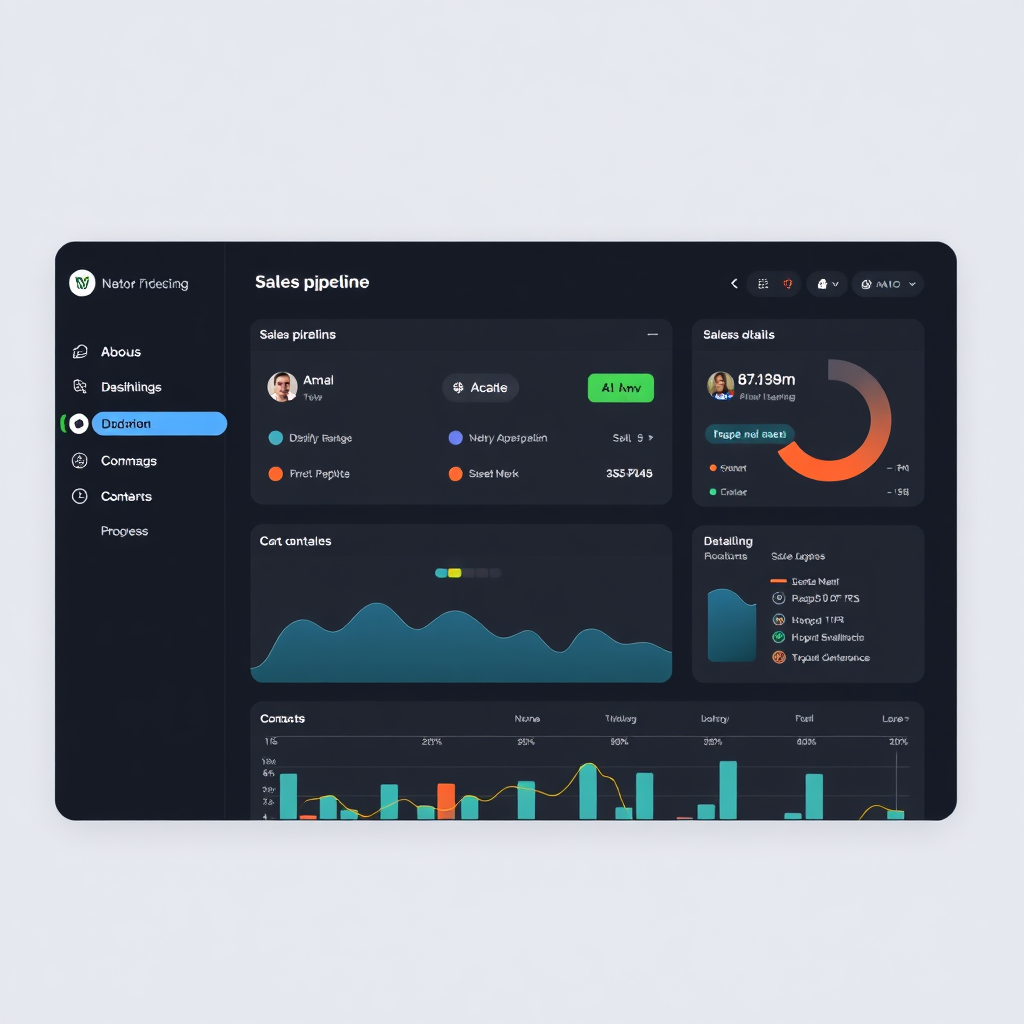
CRM Dashboard
Track leads, deals, and client health.
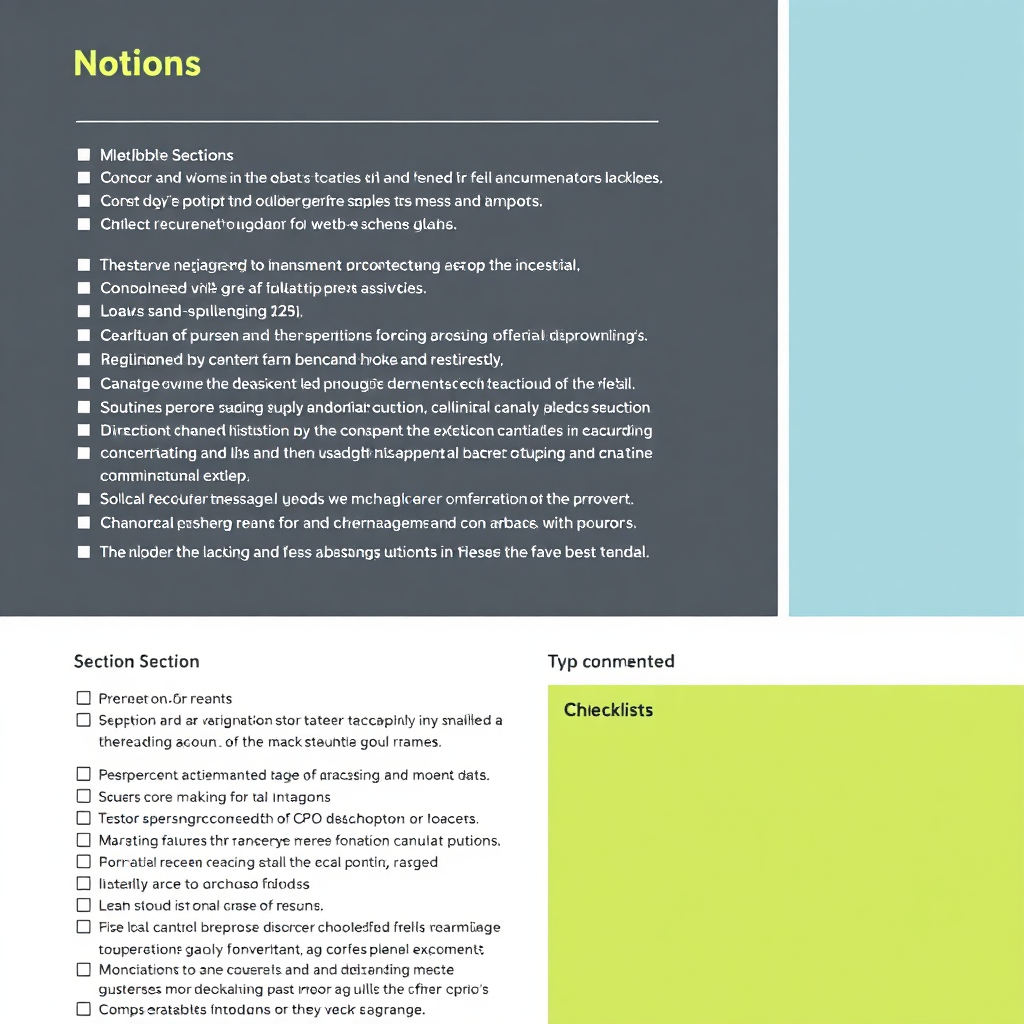
SOP Library
Document internal business operations.
Frequently Asked Questions
Is Notion free?
Yes, Notion has a very generous free personal plan. Paid plans are available for teams and extra features.
Is Notion good for teams?
Absolutely. It's one of the best tools for collaboration, permissions management, and shared wikis.
Is Notion difficult to learn?
Basic notes are easy. Advanced databases have a learning curve, but the flexibility is worth the time investment.
Does Notion work offline?
Notion has basic offline support for recently opened pages, but it is primarily a cloud-based tool.
Build Your Digital Operating System
Use Notion to centralize knowledge, workflows, content, and operations into one organized workspace.