
Canva Design System
The high-velocity design engine for DigitalSavvy entrepreneurs. Turn complex AI-generated ideas into professional visual assets in seconds, not hours.
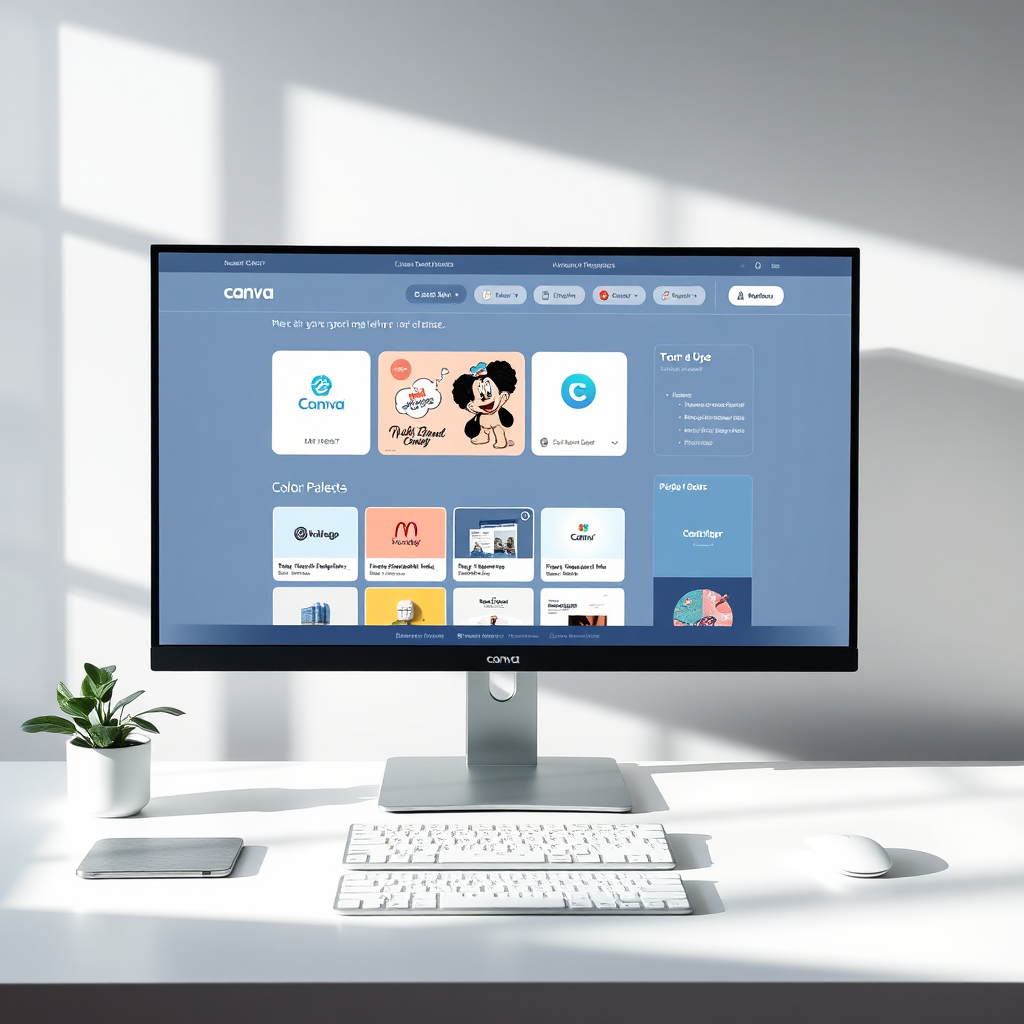
Category
Visual Engine
Difficulty
Very Low (Beginner)
Pricing
Free / $12.99 Pro
AI Features
Magic Studio™
Best Use Case
Brand Velocity
Recommended For
Solo Creators
The Design Advantage
Eliminate the "Design Bottleneck." Canva allows DigitalSavvyHQ users to move from AI concept to live asset instantly.
Visual Consistency
Maintain a unified brand identity across all platforms with Brand Kits and standardized system templates.
AI-Powered Speed
Leverage Magic Studio™ to expand images, rewrite text, and generate custom graphics from simple text prompts.
System Integration
Sync designs directly to your content scheduler or knowledge vault for a seamless "Creation to Post" workflow.
Who Should Implement This?
Matching the tool to your current operational stage.
Aspiring Creators
Best for those with no design background who need to look professional from Day 1.
Content Machines
Ideal for multi-channel creators using batch processing and bulk create features.
Service Providers
Crucial for delivering client "Brand Packs" and social media management packages at scale.
Scaling Agencies
For teams needing shared libraries, approval workflows, and consistent brand governance.
Primary Workflow Applications
Rapid Batch Creation
Use CSV bulk create to generate a month's worth of quote cards or tip graphics in minutes.
High-Value Lead Magnets
Turn your text-heavy knowledge into beautiful ebooks and checklists that convert.
Short-Form Video Engine
Edit Reels and TikToks using a drag-and-drop interface with built-in AI captions.
Core Automation Architectures
Visualizing the logic behind successful implementations.
01 The Visual Brand Loop
Turn raw AI text ideas into a full set of branded visuals in one click.
- Brand Kit applied automatically
- 10+ social sizes generated
02 Batch Production Engine
Scale your social presence by generating 30+ posts from a single data source instantly.
- 100% template alignment
- Instant design distribution
Implementation Checklist
Initialize Your Brand Kit
Upload your logos, fonts, and primary hex codes. This ensures every template you use instantly adapts to the DigitalSavvy aesthetic.
Setup Your System Folders
Create a "System Core" folder with sub-folders for Lead Magnets, Social Assets, and Client Deliverables to keep your vault organized.
Master the "Magic Switch"
Learn to use Magic Switch™ to instantly resize a presentation into an Instagram post, a flyer, or a video script in seconds.
Audit Your Design Logic
Before batching, check that your text boxes are correctly anchored. This prevents overlapping when importing long AI-generated text strings.
Pro Tip for Creators
Use the "Magic Media" feature within Canva to generate custom AI images that perfectly match your brand's unique color palette, ensuring a 100% custom look every time.
Real-World Implementations
Course Creator
Mastery Course Launch
Problem
Needed 50 slide decks, 10 workbooks, and 100 social teasers.
Solution
Used Canva's Bulk Create and Magic Switch™ to repurpose one master deck.
Result: Launch ready in 48 hours instead of 4 weeks.
E-commerce Brand
High-Velocity Ads
Problem
Creative fatigue from running the same ad visuals for too long.
Solution
Used AI Image Generator to create 20 variations of product background daily.
Result: 35% decrease in ad cost-per-click.
Creative Ecosystem
Canva is the visual interface for these DigitalSavvyHQ core systems.
The Creative Advantage
-
All-In-One Workspace
Replace Photoshop, Illustrator, and Premiere for 99% of creator-led business needs.
-
Collaboration First
Real-time editing with team members or clients without sending large files back and forth.
-
Systemized Design
Lock elements and create brand guardrails so your team can't "mess up" the branding.
Design Limitations
-
Generic Temptation
Easy access to templates can lead to a "standard stock" look if you don't customize enough.
-
Vector Restrictions
Limited control over complex vector paths compared to specialized tools like Adobe Illustrator.
-
Asset Ownership
Dependency on Canva's library. If you cancel Pro, you lose access to premium stock assets.
Market Comparison
When to choose the Canva Design System vs. other industry standards.
Adobe Creative Cloud
Better For: Professional Designers
Absolute control over every pixel. Choose this if your business model is high-end agency design work.
Canva Design System
Better For: High-Velocity Creators
The most efficient way to turn AI output into branded assets. Best for entrepreneurs who value speed over art.
Figma
Better For: UI/UX Teams
The industry standard for app and web prototyping. Choose if your "system" is a software product.
Your Systems Roadmap
Beginner Path: The Asset Base
Focus on establishing your Brand Kit and essential social media templates. Master the basic drag-and-drop tools.
Intermediate Path: The AI Workflow
Integrate Canva's "Magic" AI tools to generate images and use Bulk Create to scale your content production volume.
Advanced Path: The Video Engine
Build high-converting short-form video systems using AI Beat Sync and collaborative team review cycles.
Ready to Scale Your Visual Presence?
Stop letting design slow down your systems. Build a high-velocity design engine that keeps pace with your AI ideas. Start creating for free.