
Best AI Tools for Content Creators
A deep dive into the top platforms maximizing creative output.
Tools • Guide
Read Article
Who this is for: YouTubers, writers, podcasters, and social creators looking to scale output without burnout.
Expected Outcomes: Consistent publishing rhythms, automated cross-platform repurposing, and centralized idea management.
What you will build: End-to-end content pipelines, AI-assisted drafting systems, and reliable scheduling workflows.

Creator operating system
A sharper workspace for scripts, calendars, automation rules, repurposing queues, and audience growth assets.
Featured Creator Workflow
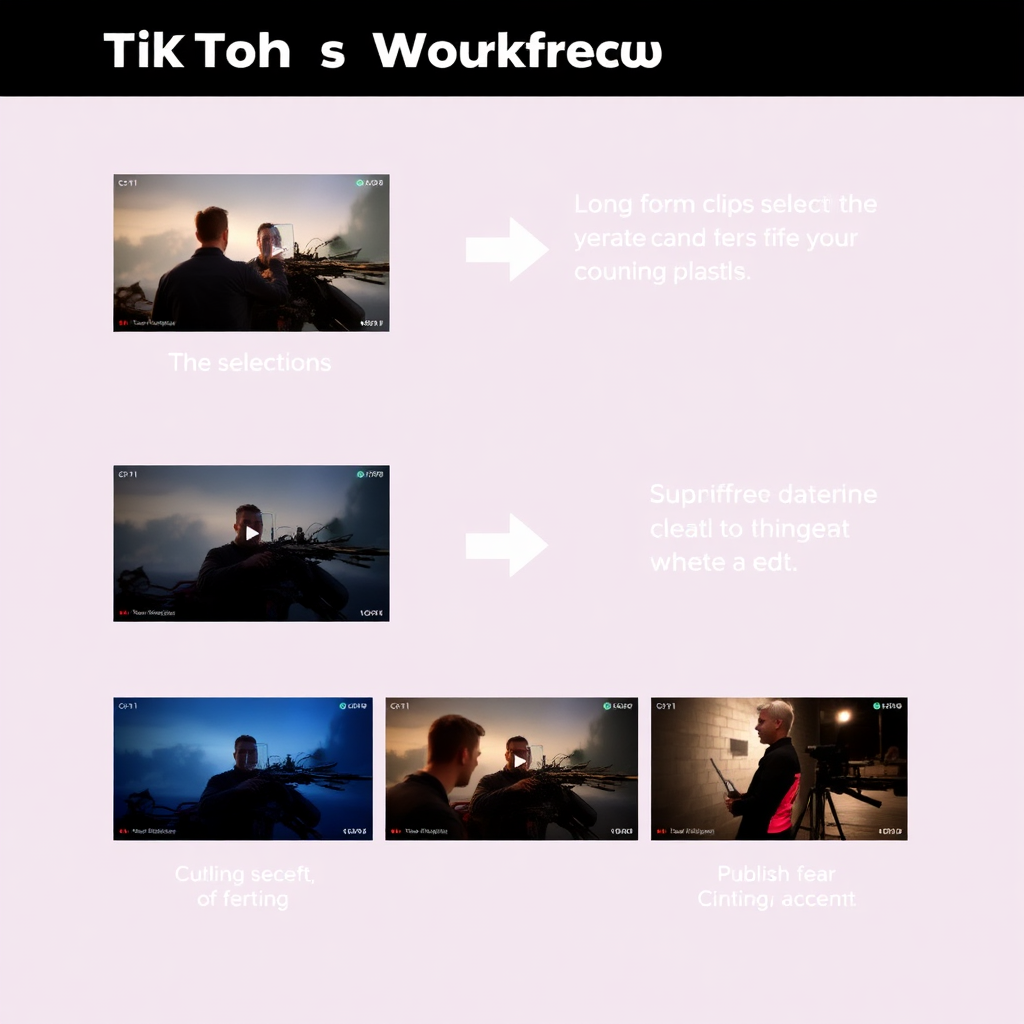
Convert one long-form video, podcast episode, or article into platform-ready assets with clear handoffs, reusable prompts, and publishing rules.
TikToks, Shorts, carousels, X posts, summaries, and newsletter snippets.
Less rework, faster publishing, and a repeatable content pipeline.
Creator Categories
Clear paths for creators who need structure, consistency, and less production friction.
Script, batch, edit, and publish long-form videos with fewer bottlenecks.
Clip, caption, format, and schedule short-form content with repeatable rules.
Convert ideas and research into consistent issues, lead magnets, and sequences.
Turn episodes into show notes, clips, newsletters, and social posts.
Build AI-assisted SEO workflows for research, outlines, drafts, and QA.
Repurpose live sessions into clips, recaps, community posts, and archives.
Skill Progression
Master the fundamentals of AI-assisted creation.
Build scalable systems for multiple platforms.
Automate workflows and scale output fully.
Your Path
Follow this roadmap to build your content engine efficiently.
Set up your central hub for ideas and asset management.
Accelerate drafting and scripting with AI assistance.
Turn one core piece of content into multiple formats.
Remove manual handoffs and schedule publishing.
AI Creator Tool Stack
Use these focused tools for planning, production, and automation to avoid a cluttered app collection.





Implementation
Practical workflows you can install directly into your creator operations.
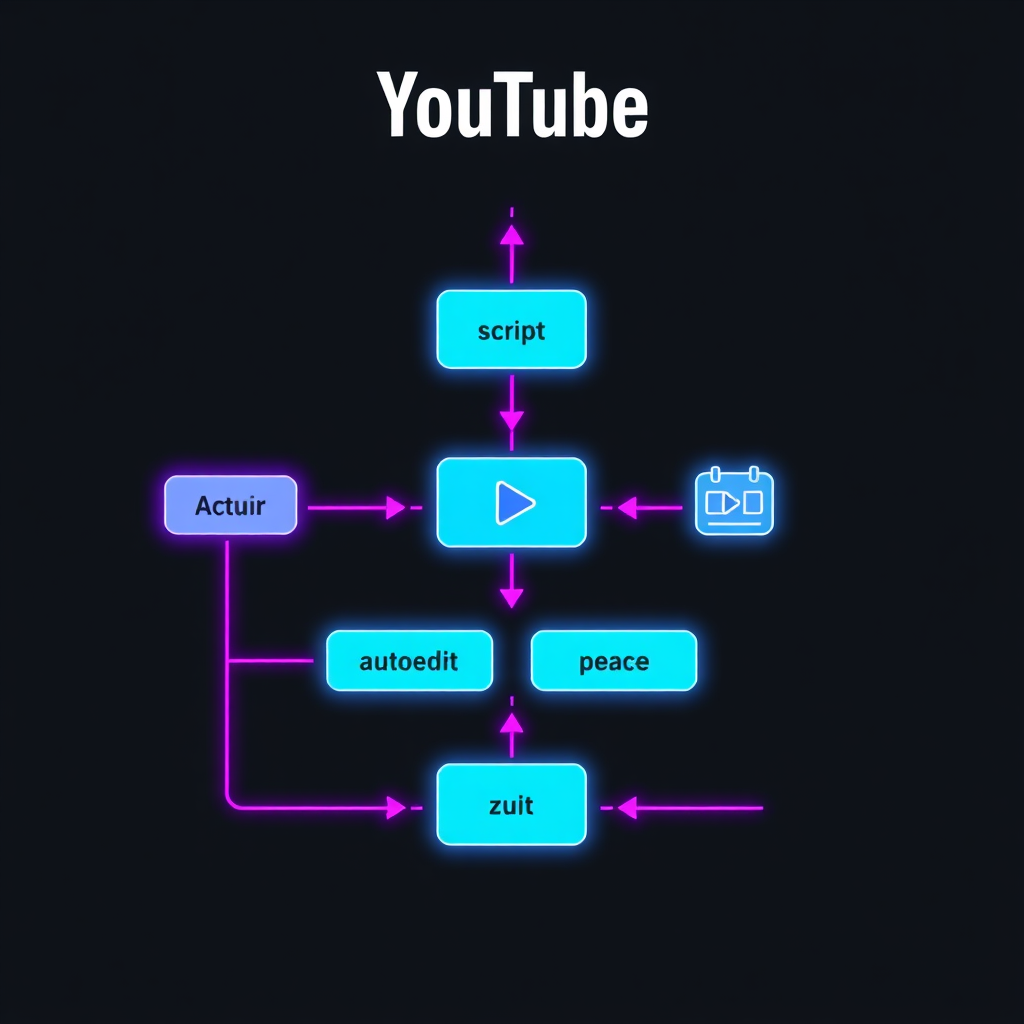
YouTube
Auto-script, assemble voiceover and footage, batch edit episodes, queue uploads, and track topic performance.
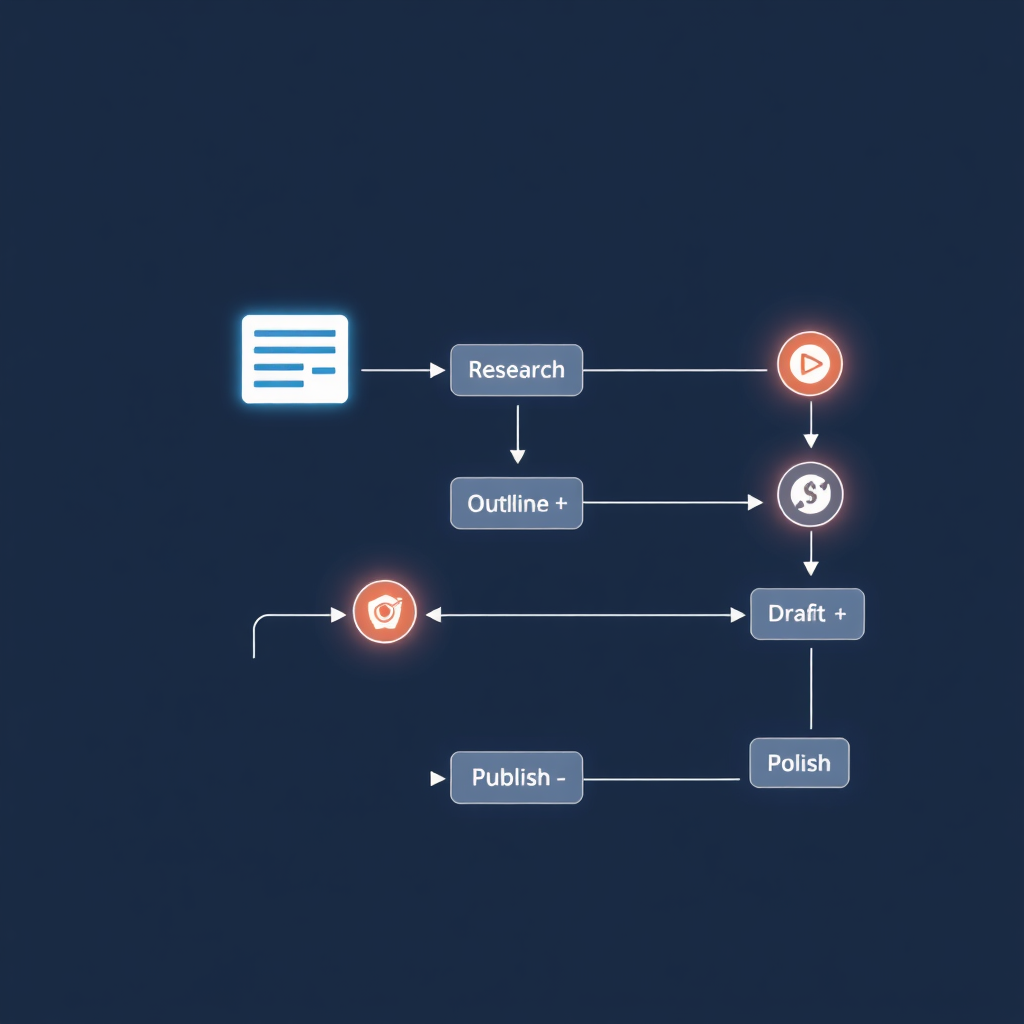
Blogging
Research keywords, build briefs, draft with AI assistance, polish for search intent, and publish with quality control.
Short-form
Find viral moments, auto-caption clips, apply brand styling, and schedule across TikTok, Reels, and Shorts.
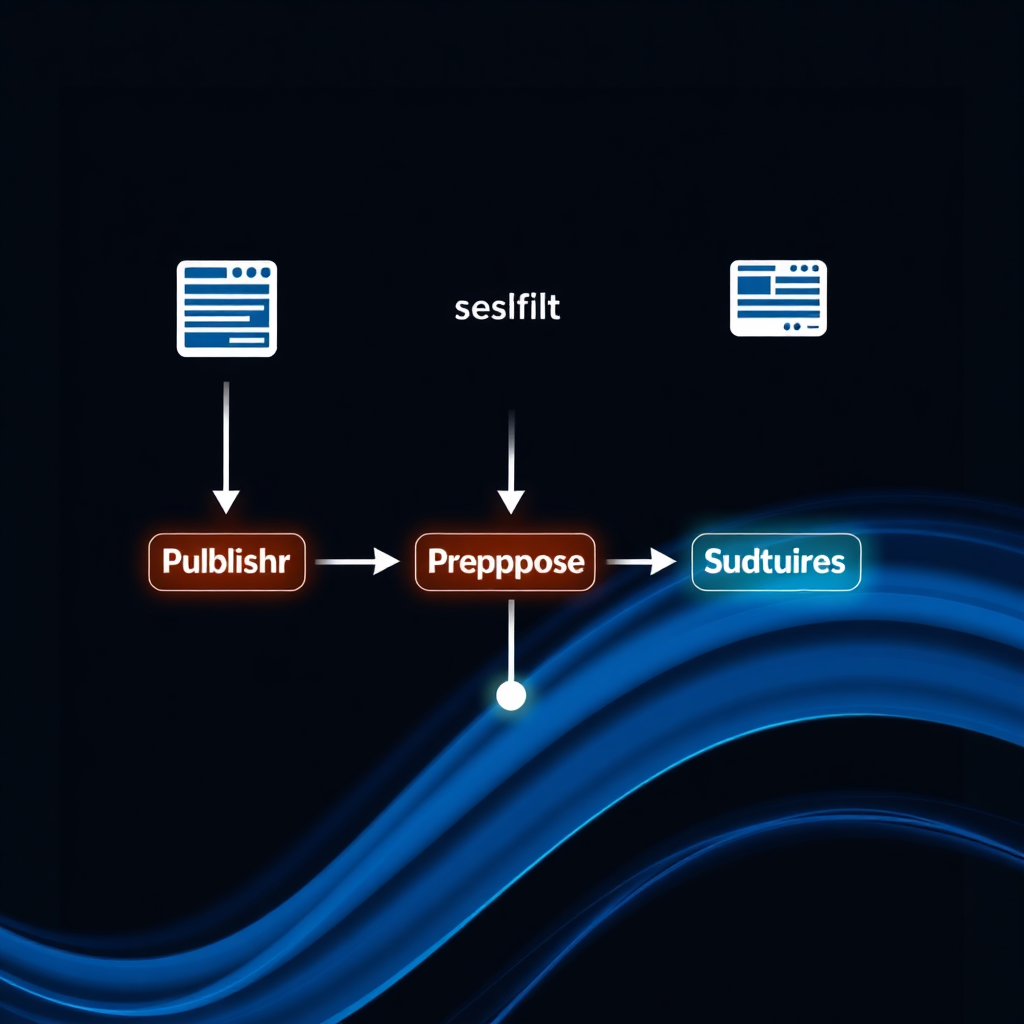
Newsletter
Turn content into weekly issues, automate lead magnets, segment subscribers, and build monetization paths.
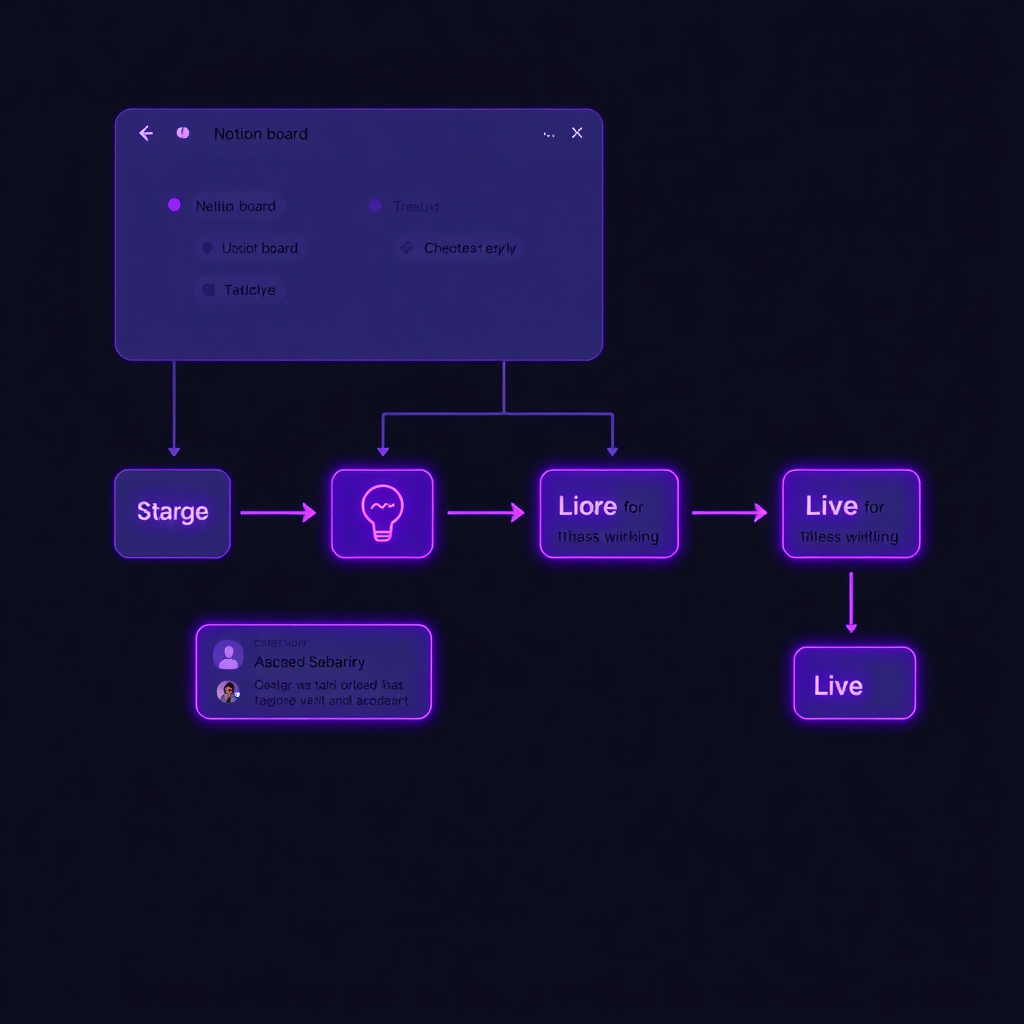
Publishing System
Centralize ideas, assign stages, plan cadence, and automate handoffs between writing, editing, and scheduling.
Creator Transformation
Knowledge Base
Access our vault resources to master your tools and workflows.


Creator Starter Pack
Get the templates, creator workflows, AI stack recommendations, and prompt packs designed to help you publish with more consistency and less overwhelm.
Start with a clean, practical system you can customize.
Thanks! Check your inbox for the Creator Kit.
Your Next Step
Start with one core system, implement the right tools, and create a publishing engine that scales without burning you out.